
CAD interface module
ERP CAD interface: the tool that talks to your engineering department
Synoptic ERP eliminates double entry between your engineering department and your ERP: CAD bills of materials imported directly, items created automatically according to your rules, drawings distributed at the right revision to the shop floor and suppliers.
The ERP that talks to your engineering department
Between the engineering department, which designs in its CAD software, and the ERP, which needs reliable items and bills of materials to launch purchasing and production, double entry is time-consuming and causes errors. The Synoptic ERP CAD interface module is the automated bridge between these two worlds: it imports the data and bills of materials from your design tools, creates and updates the corresponding items, and secures the flow of drawings to the shop floor and suppliers.
Whether your SME designs special-purpose machines, custom industrial equipment, electronic products or any other complex product, the module adapts to your design environment and makes your technical data reliable throughout the product lifecycle.
- No more double entry between engineering and ERP
- Reliable item and bill of materials data
- Controlled changes and revision indexes
- Long-lead purchases launched without waiting for the final bill of materials
- 40 yearssupporting industrial SMEs
- 200+industrial SMEs and mid-caps supported
- 3 officesLille, Lyon and Nantes
The CAD interface module lets you:
- Import your CAD bills of materials in minutes
- Create your items automatically according to your standards
- Attach each CAD drawing to its item record
- Control revision indexes with full traceability
- Launch long-lead purchases before the bill of materials is finalized
- Propagate engineering changes to manufacturing orders in progress
Synoptic ERP makes your design chain reliable:
- No more entry errors on references and item codes
- Item master data that stays clean from one import to the next
- Secure ISO 9001, EN 9100 and IATF 16949 audits
- The right drawing at the right revision, in production and in subcontracting
- Reduced project risk on critical components
- Real-time engineering / ERP synchronization for SOLIDWORKS E-PDM users
Manage the flow of your technical data from end to end
The CAD interface module steps in at every stage of your technical data flow, from design to after-sales service, to guarantee reliable bills of materials, controlled revisions and drawings distributed to the right place.
- CAD import
- Simulation
- Item creation
- Revisions and propagation
- Long-lead purchases
- Downstream chain
- SOLIDWORKS E-PDM
An import compatible with your CAD environment
Whatever tool your engineering department uses: as long as it can export a structured flat file (.csv, .txt, .xml), Synoptic ERP can import it. One single module for all the disciplines of your engineering department: mechanical, electrical, electronic.
- SOLIDWORKS: 3D mechanical design
- AutoCAD: 2D/3D technical drawing
- Inventor: Autodesk 3D mechanical design
- SEE Electrical: electrical diagrams
- Altium: electronic design (PCB)
A simulation screen: no surprises at import
Before anything is created, a simulation screen shows exactly what the import will produce. Nothing is created blindly, nothing is silently overwritten: you keep 100% control over what enters your ERP.
- Items to create and existing items reused
- Bill of materials line for each component
- Complete hierarchy, single- or multi-level
- Differences from the existing bill of materials when you reimport
- Status of each line: to create, to update, unchanged
Industrialized item creation
Items that do not yet exist in the ERP are created automatically, by duplicating preconfigured template items. A few minutes are enough where it used to take several days of re-entry for a bill of materials of several hundred components.
- The template item carries your standards: family, unit, management rules, accounting accounts, approval workflow, coding
- The import enriches the record: description, manufacturer, manufacturer reference, technical characteristics
- The CAD drawing is automatically attached to the item record
- The item code is assigned according to your rules: zero duplicates, zero typing errors

Controlled revision indexes, propagated changes
A bill of materials is never frozen. With each new import, Synoptic ERP compares the bill of materials received with the existing version and displays the differences. Engineering keeps its bills of materials alive, the ERP follows and makes them reliable.
- Differences displayed: items added, removed, quantities changed, references replaced
- Each change tracked with its revision index, its timestamp and the approving user
- Complete history of each bill of materials, available at any time
- On-demand propagation to manufacturing orders in progress, with a workflow that differs according to their status (supplied or not)
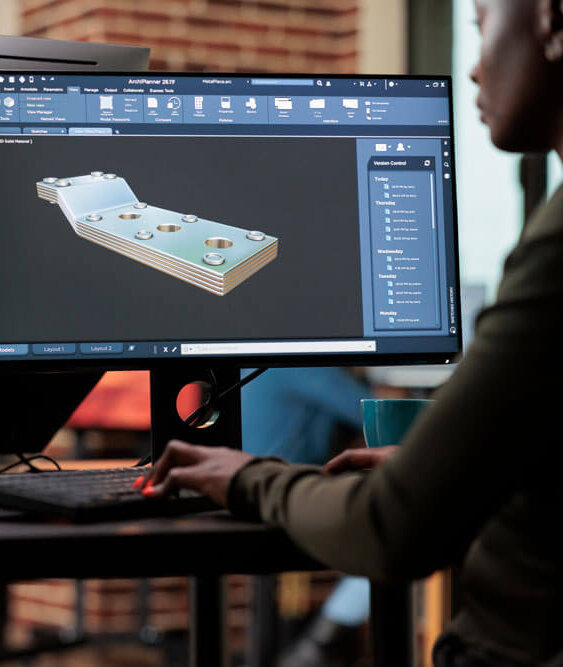
Long-lead purchases anticipated: engineering, purchasing and production in parallel
On complex projects, waiting for the final bill of materials before triggering purchases wastes weeks. Run a first partial import as soon as the long-lead components are identified (electronics, machined parts, raw materials), then enrich it as you go.
- Purchasing: supplier orders launched on critical components
- Engineering department: the bill of materials is refined in parallel, updates are propagated
- Production: more visibility to plan the shop floor workload
- Time-to-market shortened by several weeks on long-cycle projects
The right drawing, at the right revision, in the right place
Attaching CAD drawings in Synoptic ERP secures the entire downstream chain: shop floor, suppliers, quality, after-sales service. No more manufacturing errors caused by an obsolete drawing.
- Subcontracted parts: the drawing at the right revision is sent to the supplier from the purchase order
- Parts made in-house: the shop floor always works with the latest drawing approved by engineering
- Quality control: inspection routings are attached to the right revision of the drawing
- Timestamped history that can be proven in an audit: ISO 9001, EN 9100, IATF 16949, medical, rail and defense sectors
Going further: the native SOLIDWORKS E-PDM integration
For companies equipped with SOLIDWORKS E-PDM, Proges Plus offers a native integration with no exchange file: Synoptic ERP and E-PDM talk to each other directly via Web Services, in real time. An integration made possible by our dual expertise as an ERP publisher and a CAD integrator.
- No more manual export or import: synchronization is permanent
- Bills of materials synchronized with no user action
- Approving an item in E-PDM automatically returns the Synoptic code (and vice versa)
- Unified approval workflow between engineering and ERP
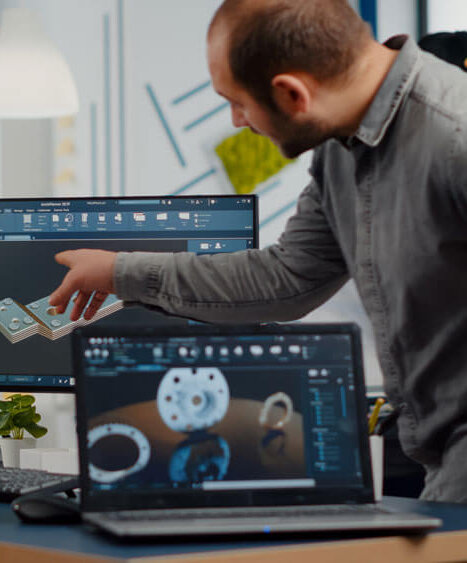
From the engineering department to the shop floor
An automated bridge between design and the ERP
The exchange format is defined upstream of the project: the configuration of exports from the CAD software is carried out in partnership with you or your CAD integrator, and our consultants take over for the configuration on the Synoptic ERP side. This format then becomes your permanent engineering/ERP exchange standard.
The module imports the bills of materials from your design tools and creates or updates the corresponding items in the ERP. Attaching CAD drawings then secures the entire downstream chain: shop floor, suppliers, quality, after-sales service.
- Design in the engineering department
- Items and bills of materials in the ERP
- Shop floor, suppliers and after-sales

What the CAD interface changes for your teams
- Engineering department: no more double entry, your bills of materials go straight into the ERP
- Purchasing: long-lead orders launched without waiting for the final bill of materials
- Production: the shop floor always works with the latest approved drawing
- Quality: full traceability of revision indexes for your audits
- After-sales service: the exact drawing of a part found even 10 years after delivery
- Management: shorter time-to-market on long-cycle projects
Take action
Ready to take the next step?
Our experts are available to analyze your needs and show you the solution in a real-life setting.
Connect the CAD interface to your other Synoptic modules
Synoptic ERP modules are complementary: they work in full synergy with the CAD interface.
Project-based management
Go from quote to maintenance contract in the best possible way
Procurement management
Control your purchasing from order to invoicing, list your suppliers and let your ERP suggest them to you
Production management
Choose the production management suited to your SME
Downloads
Frequently asked questions about the CAD interface
What is a bill of materials (BOM)?
The bill of materials is the complete, structured list of all the components, sub-assemblies and raw materials needed to manufacture a finished product. It can have several levels and include scrap factors. See the definition in the ERP glossary.
Which CAD software is compatible with Synoptic ERP?
Synoptic ERP imports bills of materials from SOLIDWORKS, AutoCAD, Inventor, SEE Electrical and Altium. More broadly, any CAD software that can export a structured flat file (.csv, .txt, .xml) is compatible.
How is the exchange between CAD and the ERP set up?
The exchange format is defined upstream of the project. The configuration of exports from the CAD software is carried out in partnership with you or your CAD integrator, and our consultants take over for the configuration on the Synoptic ERP side. This file, configured once, becomes your permanent engineering/ERP exchange standard, for all the disciplines of your engineering department.
What happens when you reimport a modified bill of materials?
Synoptic ERP compares the imported bill of materials with the existing version, and the simulation screen displays the differences: items added, removed, quantities changed, references replaced. Each change is tracked with its revision index, its timestamp and the approving user, and the update can be propagated on demand to manufacturing orders in progress.
Can purchases be launched before the bill of materials is finalized?
Yes. You run a first partial import as soon as the long-lead components are identified, then enrich the bill of materials as you go. Purchasing orders the critical components while engineering finalizes the design, which shortens time-to-market by several weeks on long-cycle projects.
Do you need SOLIDWORKS E-PDM?
No. Whatever tool your engineering department uses: as long as it can export a structured flat file (.csv, .txt, .xml), Synoptic ERP can import it. Going further, the native E-PDM integration is reserved for SOLIDWORKS E-PDM users: Synoptic ERP and E-PDM then talk to each other directly via Web Services, in real time, with no exchange file.
Can you find the drawing of a part delivered several years ago?
Yes. Thanks to the link with the lifecycle bill of materials, you find the exact drawing of the part to replace from its serial number, even 10 years after a machine was delivered.
Let’s talk about your project
Want to connect your engineering department to your ERP?
Our sales team is here to answer all your questions.
You can call us on
+33 3 20 64 63 63Our offices, close to your sites
- LilleHead office2 rue de la République, 59780 Willems
- Lyon7 allée du Crêt, 69890 La Tour Salvagny
- Nantes3 rue Claude Chappe, 44470 Carquefou
Contact us
Our team will get back to you as soon as possible. Tell us about your needs and an ERP expert will contact you.